
iOS 26.6 Is Out: Apple Lists Security Fixes for iPhone
Apple released iOS 26.6 and iPadOS 26.6 on July 27, listing security fixes across core system components. Eligible iPhone and iPad owners should review and install the update.
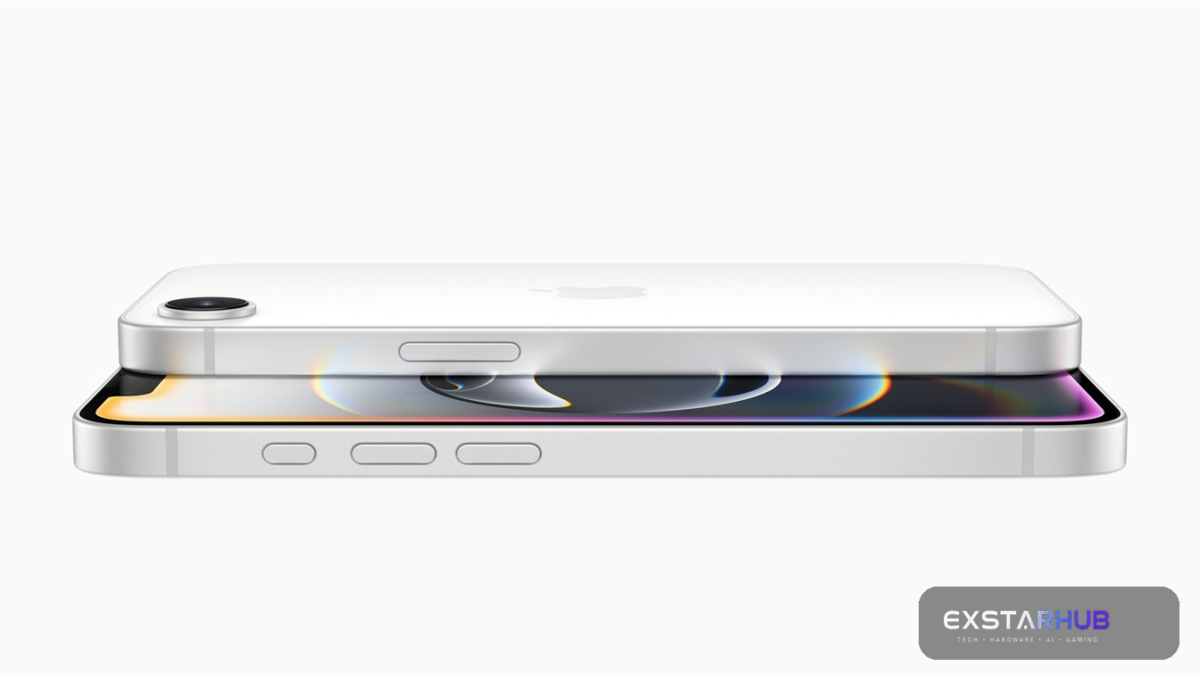
Apple released iOS 26.6 and iPadOS 26.6 on July 27, 2026, with security fixes across a long list of core system components. If your device is eligible, this is the kind of update worth installing promptly after a backup and a quick check that you have enough battery power and storage.
What Apple says is fixed
Apple’s security notes list fixes affecting iPhone 11 and later, along with supported iPad models. The entries cover components such as Accessibility, Accounts Framework, the App Store, Apple Neural Engine and AppleDouble.
The documented impacts vary. Apple says one Accessibility issue could let an attacker with physical access access sensitive user data during iPhone Mirroring. Other fixes address cases in which an app could fingerprint a user or access sensitive data. Apple also lists a file-processing flaw where a maliciously crafted file could cause an app to terminate unexpectedly or allow arbitrary code execution.
Those examples do not mean every iPhone is known to be under active attack. Apple’s published notes describe the security impact and the fix, but they should not be read as a blanket statement that a specific vulnerability is being exploited in the wild unless Apple explicitly says so.
Who should update
Apple’s iOS 26.6 security document lists iPhone 11 and later for the release, with supported iPad models listed separately. Availability can still depend on your device and region, so the definitive check is on the device itself.
How to install iOS 26.6 safely
- Back up your iPhone to iCloud or a computer.
- Connect to Wi-Fi and power, or make sure the battery is sufficiently charged.
- Open Settings > General > Software Update.
- Review the available update, then download and install it.
- After the restart, confirm that the version shown in Settings matches the installed release.
Why security updates deserve priority
Feature updates can be optional timing decisions; security fixes are different. Vulnerabilities often become more attractive to attackers after a patch reveals that a weakness existed. Installing updates in a reasonable window reduces the time a device stays exposed to known issues.
If you manage devices for family members or a small team, check that automatic updates are configured in the way you expect. Automatic updates can reduce missed patches, while a managed rollout may be appropriate for organisations that need to test critical apps first.
Bottom line
iOS 26.6 is a security-focused release. Apple’s notes identify fixes across multiple system areas, including issues involving sensitive data and malicious files. Back up, update eligible devices, and keep an eye on Apple’s security-release documentation for any follow-up guidance.
Source: CNET