5 Samsung DeX Features You Didn’t Know Existed
Samsung DeX offers far more than just a desktop replacement. Discover five lesser-known features that can transform your smartphone into a versatile workstation, entertainment hub, or even a gaming console.
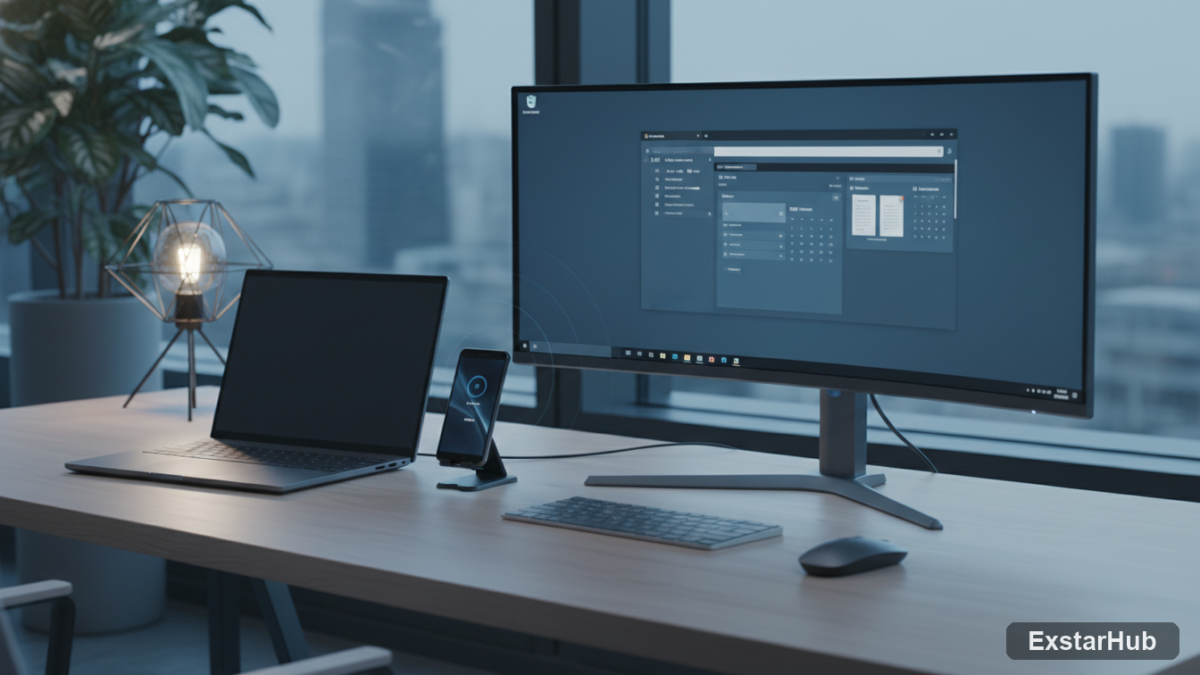
Samsung DeX has evolved significantly since its introduction, offering a surprisingly versatile way to extend your smartphone’s capabilities. While most users know it as a PC alternative, there are several hidden gems that can radically change how you use the system. Here are five features I wish I’d known about sooner.
Embracing Wireless DeX for Laptop-Like Convenience
While a wired connection to an external display is generally considered more stable, Samsung’s wireless DeX functionality offers unexpected benefits and convenience. This is particularly noticeable when using a lapdock—a device effectively turning your phone into a portable workstation—as it eliminates the awkwardness of a dangling cable that’s inherent with a direct wired connection. I found that embracing wireless DeX allowed for a surprisingly seamless workflow, even relying on it for entire workdays; this was especially true when working in locations where a desk wasn’t readily available.
Boosting Productivity with USB-C Hubs
A persistent limitation across modern smartphones, including Samsung devices, is the scarcity of ports – often restricted to just one USB-C connection. This can quickly become problematic when needing to connect multiple peripherals simultaneously. Fortunately, a simple and relatively inexpensive solution exists: incorporating a USB-C hub into your setup. This small accessory unlocks significantly expanded connectivity options, allowing you to plug in flash drives for file transfers, HDMI cables for connecting to external displays, Ethernet for reliable wired internet access, and even full-size SD cards—essentially transforming your phone’s limited port into a multi-functional docking station. It’s worth noting that attempting to connect older technologies like DVD drives will not work with this setup.
Transforming DeX into a Tablet Experience
Pairing Samsung DeX with either a wireless lapdock or a simple tablet stand unlocks an unexpectedly versatile feature: it transforms the overall experience into something remarkably similar to using a dedicated tablet. This isn’t just about mirroring your phone’s screen; you can position the device on the stand, enjoying media playback while multitasking—such as preparing food in the kitchen. The ability to use your phone as a remote control for the DeX display is another bonus. Imagine placing the lapdock in tent mode on your kitchen counter and wirelessly streaming videos – an enjoyable alternative to traditional tablets for specific tasks.
Gaming on DeX with Cloud Services & AR
DeX isn’t solely focused on productivity; it also presents a compelling platform for mobile gaming. Modern smartphones are equipped with high-resolution internal displays, and when connected to external monitors – many of which operate at Full HD (1080p) resolution or higher—games run exceptionally smoothly. Coupled with cloud gaming services like NVIDIA GeForce Now, DeX can effectively transform your phone into a surprisingly powerful portable gaming console capable of handling demanding titles. Furthermore, the integration of augmented reality (AR) glasses opens up exciting possibilities for immersive and large-screen virtual displays.
Why it matters
Samsung DeX’s flexibility is often understated. It’s more than just a desktop replacement; it’s a versatile platform that can adapt to diverse use cases, ranging from a portable workstation to an entertainment hub or even a gaming console. While changes introduced by Samsung and Google have impacted the experience over time—including adjustments impacting usability—these features underscore its potential for users seeking alternatives to traditional computing setups. The ability to repurpose a single device into so many different configurations adds significant value, especially in scenarios where carrying multiple devices isn’t practical.
Key takeaways
- Wireless DeX offers surprising convenience, particularly when used with lapdocks.
- A USB-C hub significantly expands connectivity options, turning one port into several.
- DeX can function as a tablet replacement by pairing it with a stand or lapdock for media consumption.
- Cloud gaming services elevate DeX into a portable and capable gaming console.
- AR glasses offer an immersive virtual display experience, extending the DeX functionality in novel ways.
FAQ
Is wireless DeX reliable?
While a wired connection remains more stable overall, recent Samsung phones, such as the Galaxy Z Fold 6, have seen improvements to wireless DeX performance making it a viable option for many users.
What peripherals can I connect with a USB-C hub?
You can typically connect flash drives, HDMI cables (for external displays), Ethernet cables for wired internet access, and full-size SD cards. Avoid attempting to use older devices like DVD drives as they are not compatible.
Conclusion
Even if you’re not using Samsung DeX as your primary computer, exploring these hidden features reveals its potential for enhancing productivity and entertainment on the go— demonstrating how a smartphone can offer far more versatility than initially meets the eye.
Source: How-To Geek