Windows 11: June Update Brings Snappier Performance to All PCs
Microsoft's latest Windows 11 update is rolling out, bringing the long-awaited Low Latency Profile feature to all users. This promises a noticeable performance boost, particularly for older or less powerful PCs.
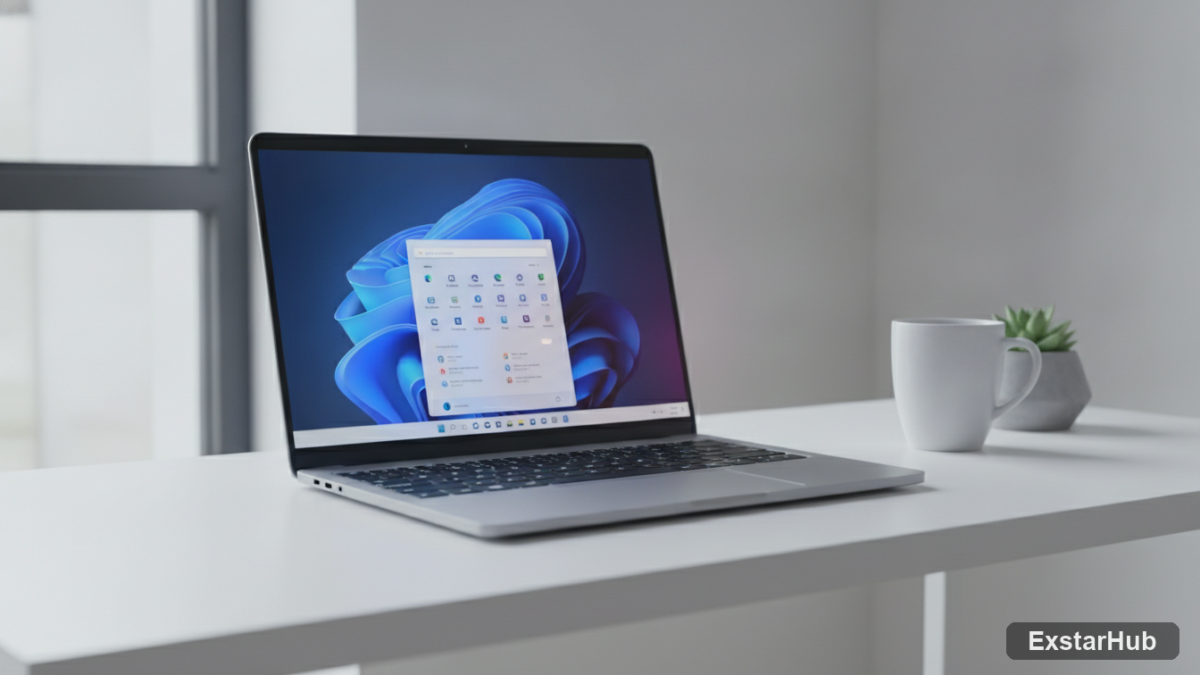
If your Windows 11 PC has been feeling a little sluggish lately, there’s good news: Microsoft is now rolling out its ‘Low Latency Profile’ (LLP) feature to all users as part of the June update (KB5094126). This long-awaited addition promises to accelerate app launches and improve responsiveness for core Windows functions – especially welcome on systems that aren’t exactly top-of-the-line. The inclusion of LLP across a broad range of devices signals Microsoft’s ongoing commitment to optimizing the user experience.
What is Low Latency Profile?
Low Latency Profile (LLP) represents an effort to address those frustrating moments when Windows feels unresponsive, particularly during common tasks. It works by briefly boosting the CPU clock speed to its maximum for a short duration – typically between one and three seconds. This temporary power surge is triggered when performing actions like launching applications, opening the Start menu, or accessing the Action Center. Once the action is complete, the CPU returns to its normal operating frequency. The underlying concept isn’t new; macOS and Linux have been employing similar techniques for years to minimize lag and improve overall system responsiveness. Microsoft’s adoption of LLP brings Windows in line with established practices on other major operating systems.
How to Get the Update
Obtaining this performance enhancement is straightforward: it arrives through the standard Windows Update mechanism. Navigate to Settings > System > Windows Update to check for availability, keeping an eye out for update KB5094126. While Microsoft has commenced the rollout, the delivery process can vary – it might take a few hours before the update appears on your specific PC. For those eager to install immediately, the update is also accessible via the Microsoft Update Catalog, providing a direct download option.
Verifying Installation and Activation
After installing KB5094126, confirm your Windows build number matches either 26200.8655 (for version 25H2) or 26100.8655 (for version 24H2). This information is readily available in Settings > System > About. A crucial detail to note is that Microsoft is implementing a phased activation of LLP, meaning even if your PC meets the system requirements and displays the correct build number, the feature might not be actively running yet. The standard Windows Task Manager, known for its occasional lag, isn’t reliable for accurately monitoring these brief, performance-enhancing spikes.
Confirming Low Latency Profile Activity
For users keen on verifying that LLP is indeed active, a dedicated third-party tool like HWiNFO offers a more precise solution. Launch HWiNFO in ‘Full mode’ and position the sensor window so it remains visible. As you perform actions typically triggering LLP – such as opening the Start menu or launching an application – monitor the CPU clock speeds. A brief spike to maximum frequency, lasting no longer than three seconds, before returning to normal indicates successful activation of Low Latency Profile.
Why it matters
The widespread rollout of Low Latency Profile across all Windows 11 devices signifies a commitment to improving the user experience for a broader spectrum of hardware configurations. While users with powerful, high-end PCs may observe subtle or negligible differences, this feature directly addresses a common frustration: the perception that Windows is slow to respond. By adopting a technique already proven effective on other operating systems like macOS and Linux, Microsoft aims to create a more fluid and enjoyable computing experience. This also demonstrates an ongoing effort to optimize performance, ensuring even older or budget-conscious PCs benefit from enhanced responsiveness.
Key takeaways
- The June Windows 11 update (KB5094126) introduces Low Latency Profile (LLP).
- LLP briefly boosts CPU speed to improve responsiveness during common tasks.
- It’s particularly beneficial for older or less powerful PCs.
- Confirmation of LLP activation requires third-party tools like HWiNFO.
- Rollout is gradual, meaning it may not be active immediately after installation.
FAQ
Will I notice a big difference?
The effect will be most noticeable on older or less powerful PCs; users with high-end systems might see minimal changes.
Is this feature permanent?
Yes, once installed, LLP is designed to operate continuously during relevant actions. However, Microsoft can always change its mind in future updates.
Microsoft’s latest update delivers on a promise of improved performance across the board for Windows 11 users. It’s a welcome improvement for anyone who’s experienced frustrating lag and stuttering while using their PC.
Source: PCWorld