Windows 11 KB5121003 Game Issue: Official Microsoft Guidance
Microsoft is investigating a Windows 11 issue that can freeze, crash or restart some gaming PCs when RGB-related components are present.
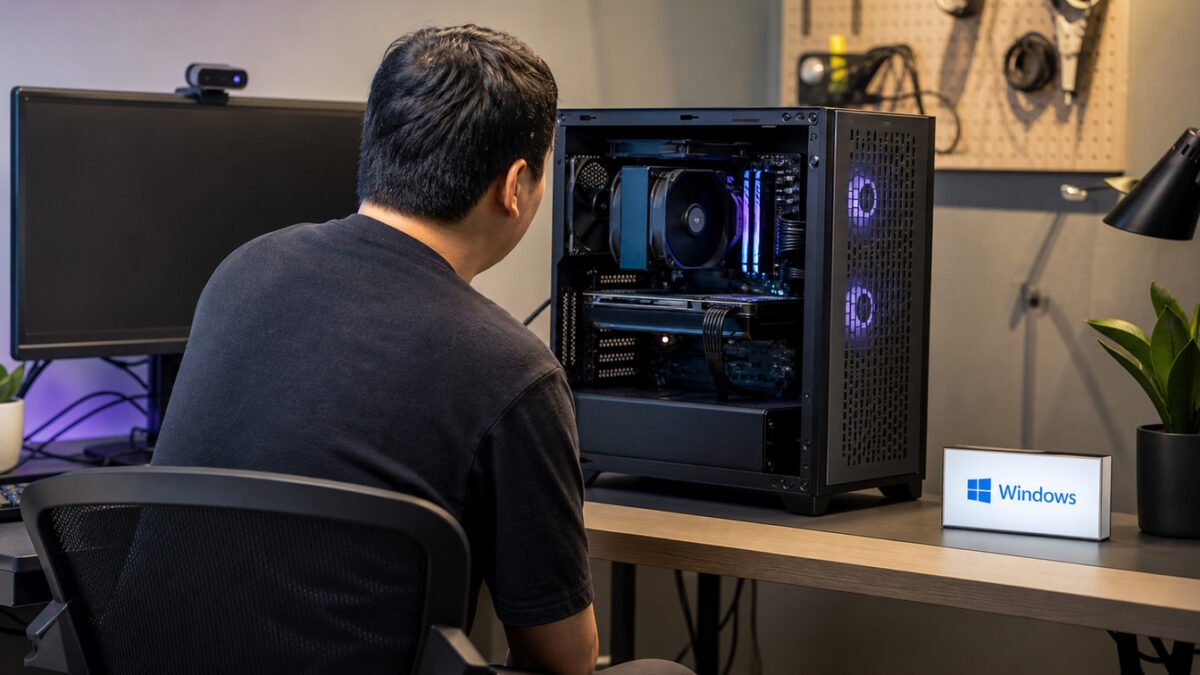
Windows 11 KB5121003 game issue reports are now listed by Microsoft as a known problem in the August 11 security update for Windows 11 versions 24H2 and 25H2. Microsoft says some games may stop responding, close unexpectedly, show an EXCEPTION_ACCESS_VIOLATION error or restart the PC after the update is installed.
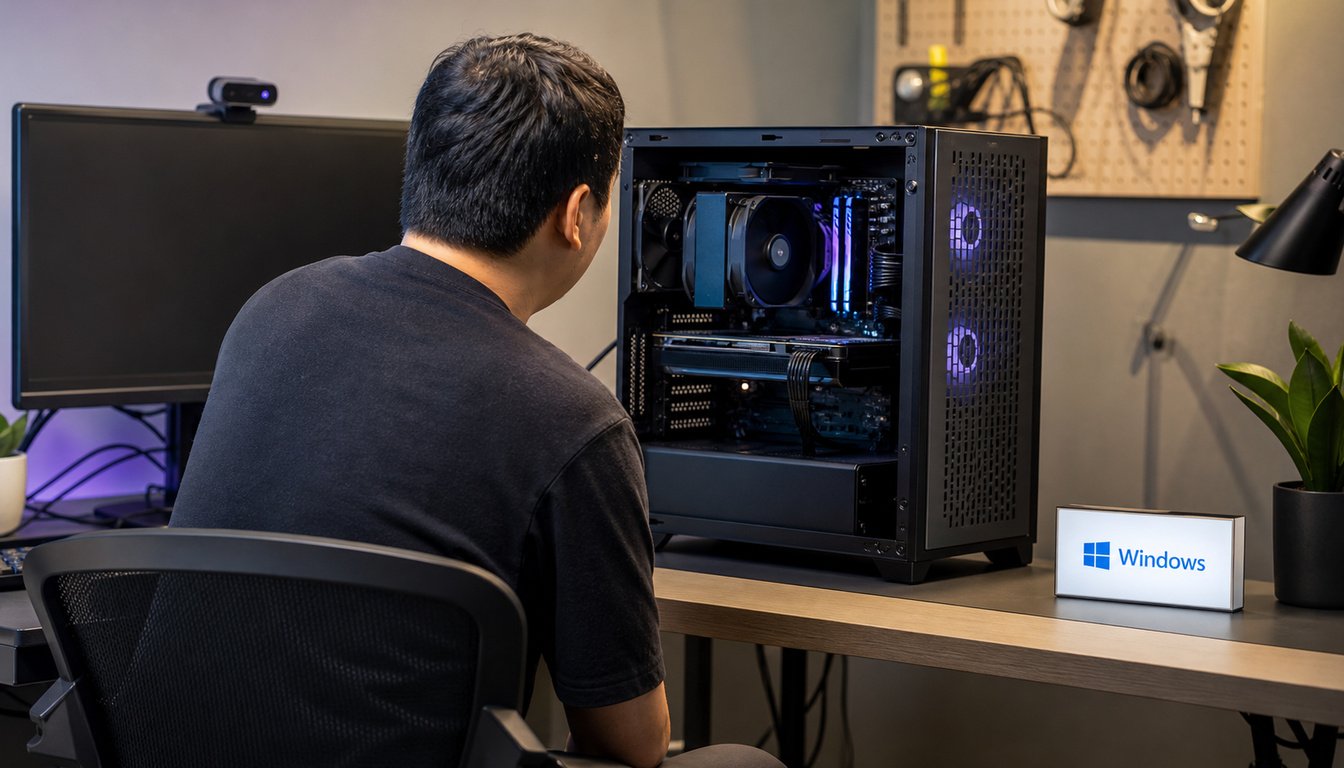
The company has not announced a fix or a general workaround. Its current guidance is to submit a report through Feedback Hub while it investigates the interaction between affected games and certain RGB-related hardware or software components.
What Microsoft says is affected
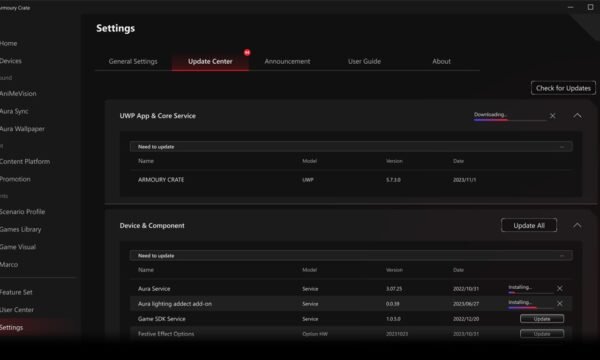
Microsoft’s release note for KB5121003 says the issue can occur on systems with certain peripherals or internal components that support RGB lighting. Those components may install drivers or software with file names similar to inpoutx64.
| Microsoft’s reported symptom | What it means |
|---|---|
| Game becomes unresponsive | The game may freeze or fail to start normally. |
| Game closes without notice | The application may exit unexpectedly. |
EXCEPTION_ACCESS_VIOLATION |
Windows may show this error while the game is launching or running. |
| Unexpected restart | The PC may restart without warning. |
Microsoft specifically names ARC Raiders, MARVEL Tōkon: Fighting Souls and THE FINALS in reports it has received. That is not presented as a complete list of every game that could be affected.
Why RGB components are part of the investigation
Microsoft does not say RGB lighting itself is the cause. Its wording points to an interaction involving particular RGB-capable peripherals or internal devices and drivers or software components associated with them. In other words, a gaming PC with lighting is not automatically affected; the company is still narrowing down the specific combinations behind the reports.
The known-issue entry was added to the KB5121003 release note on August 20, nine days after the update’s original release. Microsoft says additional details will be published when available.
What affected players can do now
- Check whether the system installed KB5121003 and whether it runs Windows 11 version 24H2 or 25H2.
- Note the game, the symptom, and any RGB-related peripheral or component software present on the PC.
- Use Feedback Hub to report the problem to Microsoft, as the release note requests.
- Watch the official KB5121003 release note for a confirmed mitigation or fix rather than relying on unverified driver-removal advice.
Microsoft has not said that every RGB device, every game, or every PC on the supported Windows 11 releases is affected. If a game is working normally after the update, the company’s notice does not indicate that a problem is inevitable.
How to make a useful Feedback Hub report
Microsoft asks people who encounter this issue to use Feedback Hub. A useful report can identify the Windows 11 version, the date KB5121003 was installed, the game involved, and whether the result was a freeze, an unexpected exit, an EXCEPTION_ACCESS_VIOLATION message or a restart. It can also name the RGB-capable peripheral or internal component and the control software installed with it.
That information does not establish the cause on its own. Microsoft says it is still investigating the interaction, and its entry does not say that every RGB device or controller is responsible. Players should be wary of broad registry or driver-removal advice that goes beyond the company’s current release note.
For broader context on recent Windows update changes, see ExstarHub’s June 2026 Patch Tuesday coverage. It covers a different update and does not diagnose this KB5121003 issue.
Windows 11 KB5121003 game issue: quick questions
Which Windows versions does this concern?
Microsoft’s KB5121003 page applies to Windows 11 versions 24H2 and 25H2, across editions.
Is there an official fix?
Not yet. Microsoft says it is investigating the interaction with RGB-related components and will provide further details when it has them.
Should players remove RGB software?
Microsoft’s current release note does not publish a general removal or configuration workaround. The safest course is to keep a record of the affected hardware and software, report the issue through Feedback Hub, and wait for Microsoft’s confirmed guidance.
Source: Microsoft’s KB5121003 release note, updated with the known issue on August 20, 2026.
Source: PCWorld