ChatGPT Computer History: 3 Privacy Checks for Mac
ChatGPT Computer History is an opt-in Mac feature that turns selected activity into searchable work context. These three privacy checks explain what it records, stores, and can access.
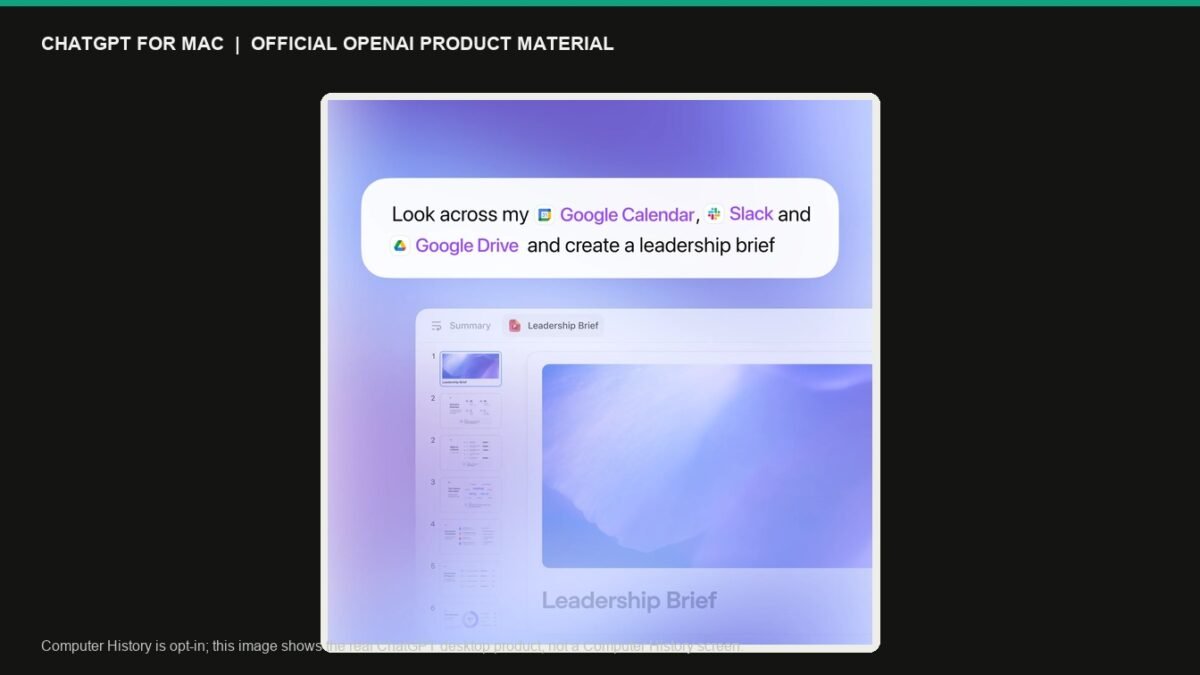
ChatGPT Computer History is an opt-in feature for the ChatGPT desktop app on Mac. It turns activity from selected apps and websites into a searchable timeline that ChatGPT and Codex can use as work context. That can help users resume an unfinished task or spot repeatable workflows—but it also makes the permission review more important than it would be for an ordinary chat.
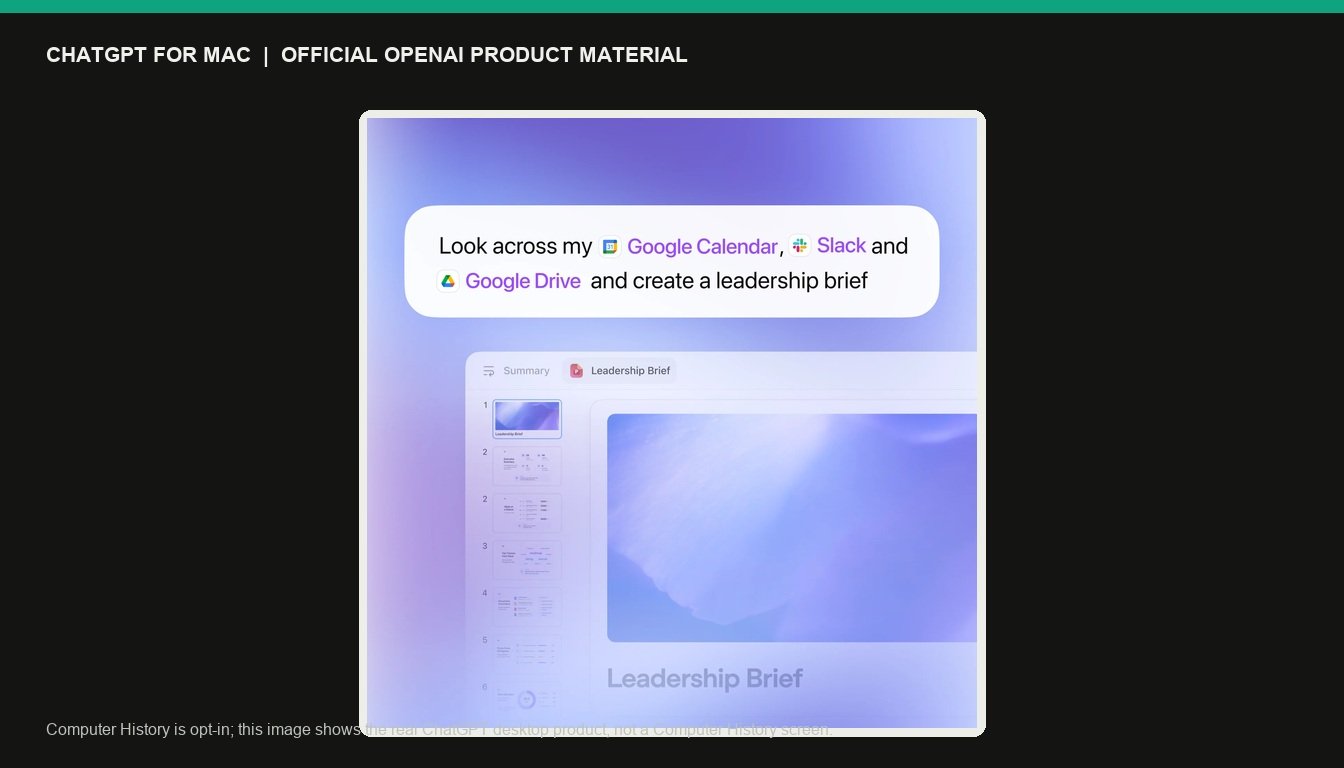
OpenAI’s description of the new capability says it records interaction events such as typing, clicks, app switching and shortcuts. It does not capture screen recordings, microphone input or system audio. The data can be used to build a recent-work timeline, help find something you were working on, or suggest a reusable skill or automation.
What ChatGPT Computer History is designed to do
ChatGPT Computer History extends the context ChatGPT can use beyond a single prompt, file or open window. When enabled, it can connect activity from selected apps and sites into a timeline and create memories that the desktop app can reference later. The practical benefit is continuity: a user moving between a browser, notes app, IDE and documents may be able to ask for a recap or pick up where they stopped.
OpenAI says ChatGPT Computer History is optional and off by default. It is available to Pro, Business and Enterprise users in the macOS desktop app; Business and Enterprise administrators must grant access before members can opt in. OpenAI says it is not currently available in the EEA, United Kingdom or Switzerland. Users can pause ChatGPT Computer History, choose the apps and sites it includes, and inspect or delete individual timeline items.
ChatGPT Computer History: 3 privacy checks before you enable it
1. Check the apps and websites you include
Start with a narrow set of low-risk apps. Any feature that can build context from everyday work should be treated as a permission, not as a default productivity setting. Do not casually include workflows containing passwords, personal records, confidential client material or other sensitive information.
2. Review retention and training controls
OpenAI says interaction events are processed to create memories and returned for local storage. It says the data is not retained on its servers after processing except where required by law, and that Computer History data is not used to train models. Those statements are specific to this feature. Before enabling it, read the current in-product settings and Data Controls rather than relying on a general assumption about a ChatGPT account.
3. Consider the security trade-off
Activity-aware tools do not remove ordinary online risks. OpenAI’s guidance for connected apps and agent products warns that websites and apps can expose sensitive information and that prompt injection remains a concern. ExstarHub’s coverage of OpenAI Lockdown Mode and prompt-injection defenses explains the broader security trade-off. Enable only what is needed, use takeover controls for sensitive logins where available, and turn the feature off if its convenience does not justify the added context.
How it differs from screenshot-based recall tools
Computer History has been compared with screenshot-based recall tools because both can make previous work searchable. The difference in OpenAI’s description is that Computer History records interaction events rather than capturing screenshots or audio. That changes the type of information being collected; it does not remove the need to make an informed privacy decision.
For most people, a careful first test on non-sensitive apps is the sensible route. Leaving an opt-in feature off is also a valid choice. ChatGPT Computer History could make the app more useful across a Mac workflow, but users should decide with a clear view of the access they are granting.
Sources: The Verge’s launch report; OpenAI’s ChatGPT release notes; OpenAI’s macOS app guidance.
Source: The Verge