5 Free Android Apps That Make Windows Better Than Apple
Feeling locked into the Apple ecosystem? Pairing a Windows PC with free Android apps unlocks surprising power and flexibility. Here's how to expand your desktop functionality.
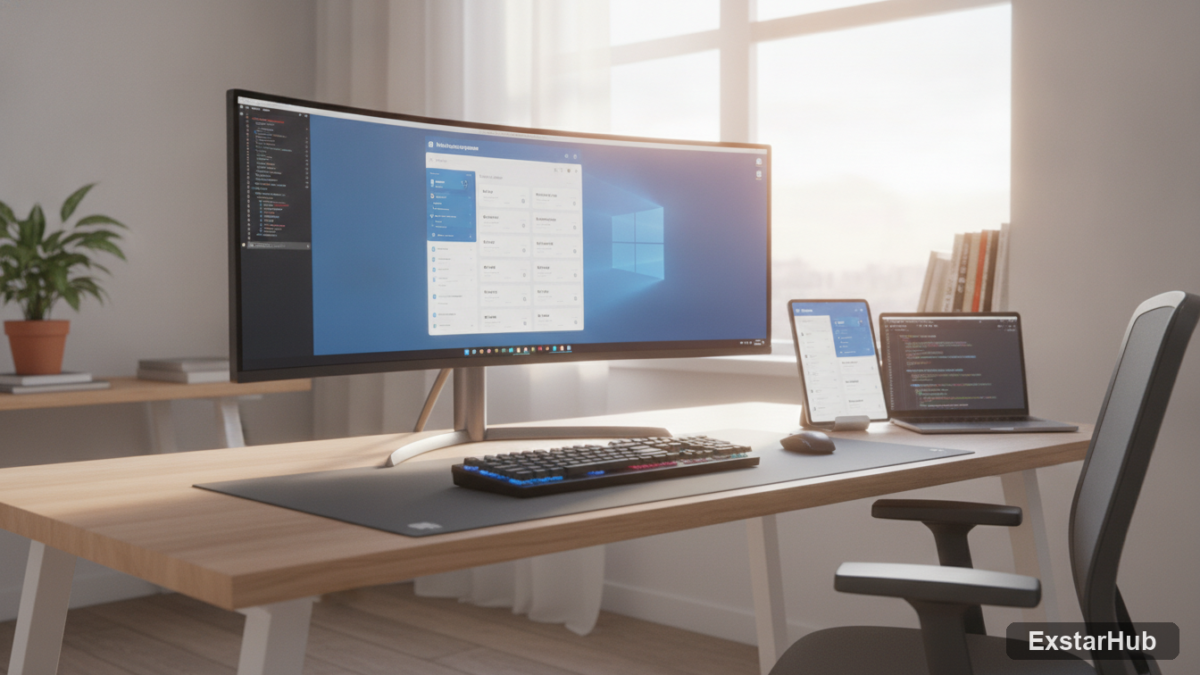
If you’re feeling constrained by Apple’s walled garden, there’s a surprisingly powerful alternative: pairing a Windows PC with the versatility of Android apps. This combination unlocks a level of customization and free functionality that can genuinely eclipse what Apple offers. The integration through the Microsoft Store’s Amazon Appstore isn’t perfect – performance varies depending on app and hardware – but it provides access to a vast library previously exclusive to mobile devices, granting users more control over their digital environment.
Expanding Your Desktop with Android Apps
The ability to run Android apps on Windows has matured significantly thanks to the Microsoft Store’s integration with Amazon Appstore. While emulation introduces some overhead, it’s a significant step towards broadening the capabilities of your Windows machine beyond traditional desktop software. This isn’t about replacing existing workflows; it’s about augmenting them with tools and experiences that might not otherwise be available—from specialized utilities to entertainment apps.
1. Discord: Stay Connected
Discord has become a central hub for online communities, gaming groups, and even professional teams. Running it as an Android app on your Windows PC offers a more optimized experience than relying solely on the web-based version or dedicated desktop clients. The benefits are particularly noticeable when participating in voice chats or managing multiple servers simultaneously. The free version provides ample functionality for most users, offering text chat, voice and video calls, screen sharing, and server management tools. It’s a powerful way to stay connected without being tied to a specific device.
2. Spotify: Music On the Go
While desktop versions of music streaming services certainly exist, the Android app often provides a smoother integration with mobile devices and cloud syncing capabilities. This is incredibly useful if you frequently switch between your phone and computer throughout the day. The ability to instantly pick up where you left off on another device enhances the listening experience. The free tier includes ad-supported listening – a fair tradeoff for access to an extensive music library.
3. Telegram: Secure Messaging
Telegram differentiates itself from other messaging platforms with its strong focus on security and privacy, alongside a feature-rich interface that includes channels, bots, and robust file sharing capabilities. The Android app delivers the same functionality seamlessly on your Windows PC, ensuring cross-platform consistency for both personal and professional communication. Features like end-to-end encryption (available in Secret Chats) and cloud-based storage provide added peace of mind.
4. Duolingo: Learn a New Language
Learning a new language can be challenging, but Duolingo’s gamified lessons and accessible interface make it more engaging than traditional methods. Running the Android app on your Windows PC allows you to seamlessly continue your learning journey across devices – perfect for short bursts of study during downtime or while commuting. The ability to practice vocabulary and grammar on any device reinforces concepts and accelerates language acquisition.
5. VSCO: Photo Editing on PC
VSCO has carved out a niche in the photo editing world with its emphasis on film-inspired presets, subtle adjustments, and a minimalist interface. While mobile devices are often used for capturing photos, the Android app brings VSCO’s powerful editing capabilities to your Windows desktop, allowing you to refine images captured with your phone or camera. This provides greater precision and control when making adjustments, especially for users who prefer working on larger screens.
Why it matters
The combination of Windows and Android apps offers a compelling alternative to the Apple ecosystem’s restrictions—a path towards greater user control. It’s about choice; choosing open platforms, free software, and the flexibility to tailor your digital environment exactly to your specific needs. This isn’t just about saving money (though that’s a bonus); it’s about breaking free from vendor lock-in and enjoying a more adaptable computing experience. By leveraging these readily available free apps, users can regain agency over their technology.
Key takeaways
- Running Android apps on Windows expands functionality beyond traditional desktop software, offering new possibilities for productivity and entertainment.
- Apps like Discord, Spotify, Telegram, Duolingo, and VSCO offer improved or unique features when accessed via the Android app, often providing a more integrated experience.
- This approach provides a degree of freedom and customization often absent in closed ecosystems like Apple’s, empowering users to shape their digital environment.
- Microsoft Store’s Amazon Appstore integration makes setup relatively straightforward for most Windows users.
- Performance can vary; some resource-intensive apps may run slower than native Windows counterparts depending on hardware capabilities and app optimization.
FAQ
How do I install Android apps on my Windows PC?
You’ll need to download the Amazon Appstore from the Microsoft Store and follow the setup instructions. It’s important to note that not all Android apps are compatible with the Windows runtime, so compatibility can be a limiting factor.
Are there any performance limitations when running Android apps on Windows?
Yes, emulation isn’t perfect. The process introduces overhead, and resource-intensive apps may run slower than their native Windows counterparts. Performance will also depend heavily on your PC’s hardware specifications, particularly RAM and processor speed.
Can I sideload APK files to install apps not available in the Amazon Appstore?
While technically possible with third-party tools, this is generally discouraged due to potential security risks and compatibility issues. Sideloaded apps may not be properly optimized for Windows and could introduce malware or instability.
Ultimately, embracing a Windows + Android combination offers a powerful and cost-effective way to customize your computing experience and break free from the constraints of a single ecosystem—a journey towards greater digital flexibility and control.
Source: How-To Geek